Hotjar
Hotjar site ID
Setting up the Hotjar pixel is very simple. After you open your Hotjar account for your site, you only need to click on the
Trackingbutton in the top right and copy theID. This is theHotjar site IDwhich you'll set in the Pixel Manager under Tracking Pixels → Hotjar in the Site ID field.
-
Open you Hotjar account
-
Click on the
Trackingbutton on the top right -
Copy the
IDand paste it into the Site ID field in the Pixel Manager under Tracking Pixels → Hotjar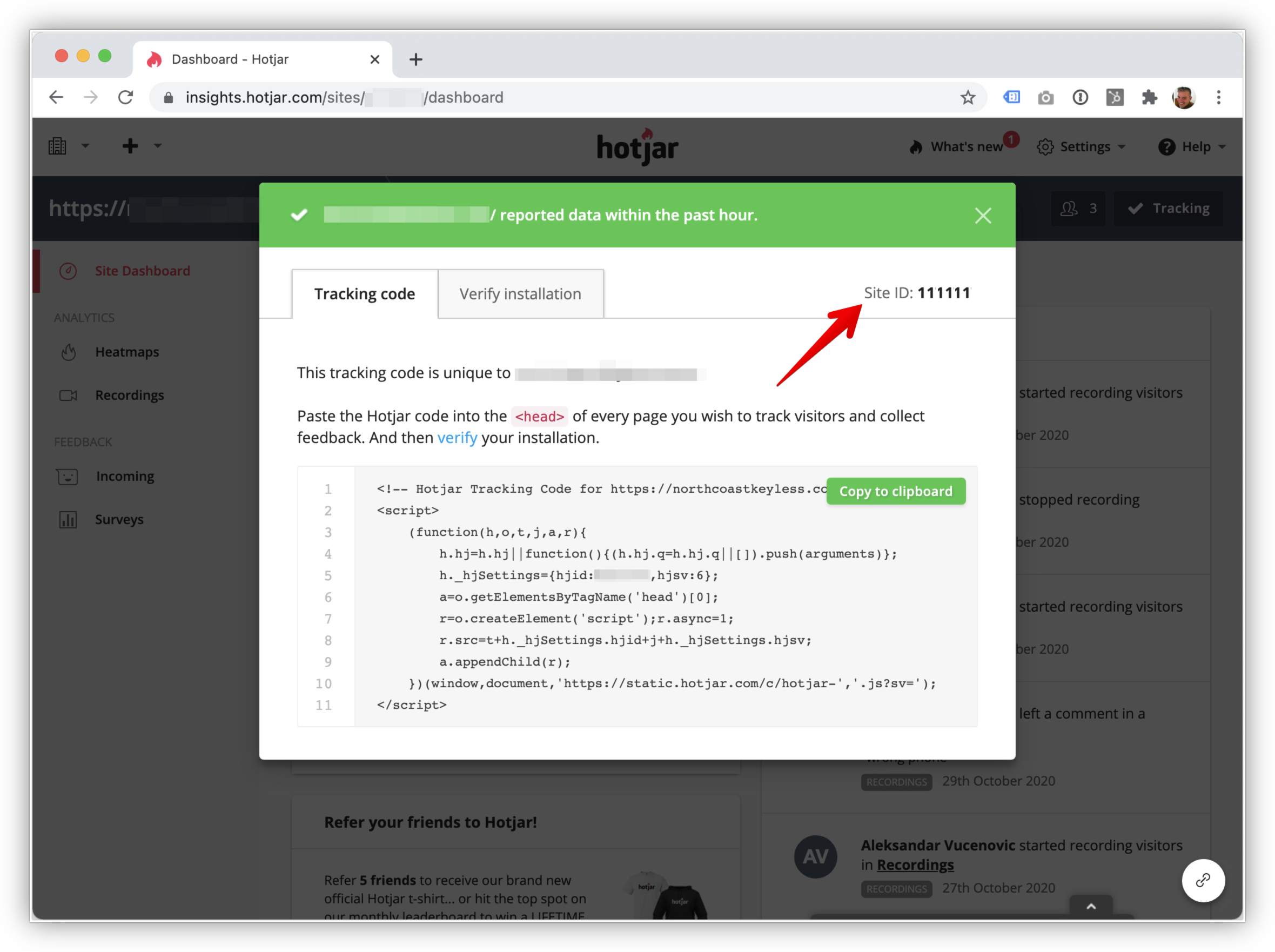
Supported Events
Here's a list of supported events.

